
Protección de envío
€4,90Protege tu pedido de posibles daños, pérdidas o robos durante el envío.
¡Oferta por tiempo limitado!
Actualiza a 2 unidades y llévate 1 Gratis
Este producto sustituirá a:
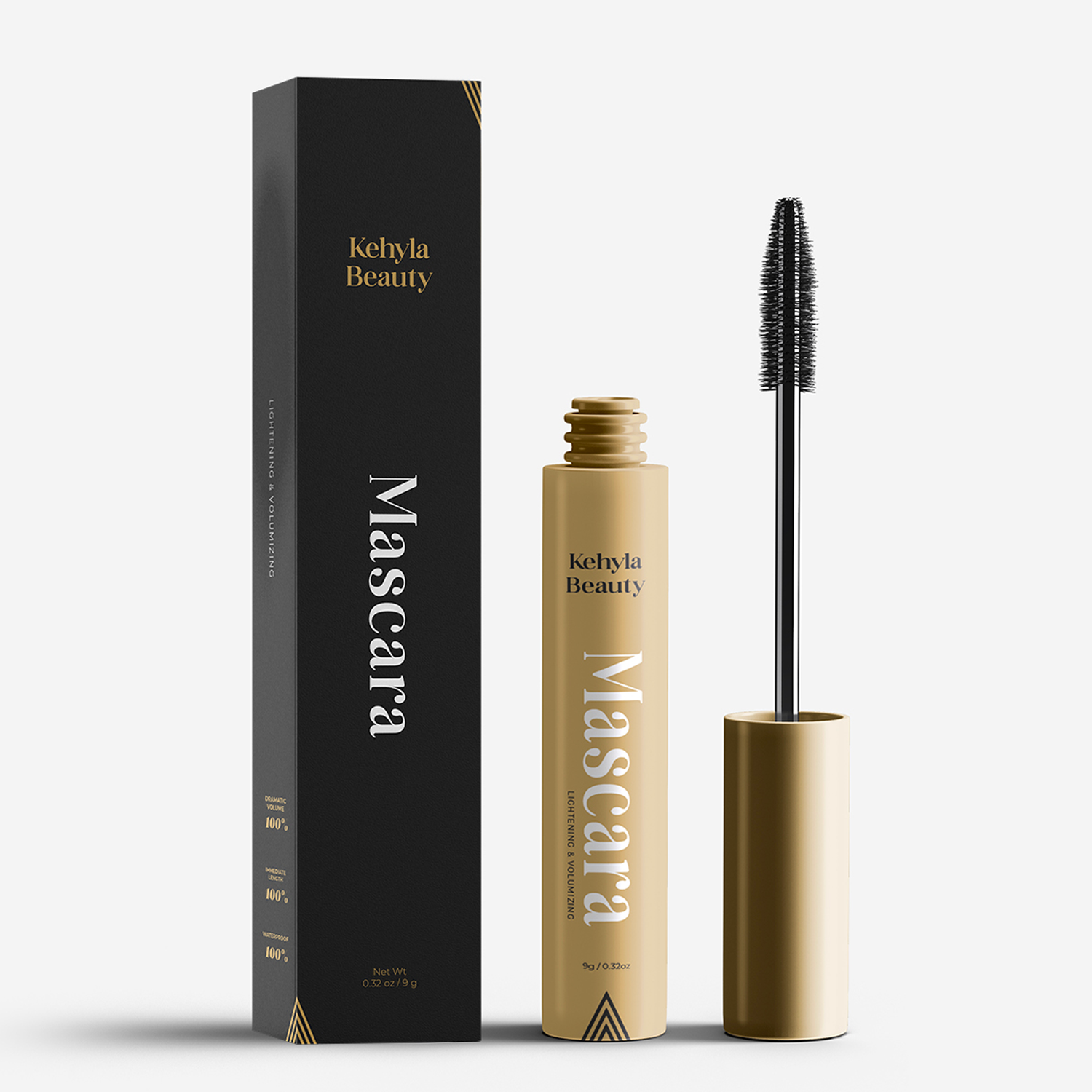
Máscara de pestañas Kehyla Beauty


Añade 1 máscara de pestañas extra y Consigue 1 GRATIS
¡Oferta por Tiempo Limitado!
Actualiza a 2 unidades y llévate 1 Gratis
Este producto sustituirá a:
Delineador de ojos Kehyla Beauty

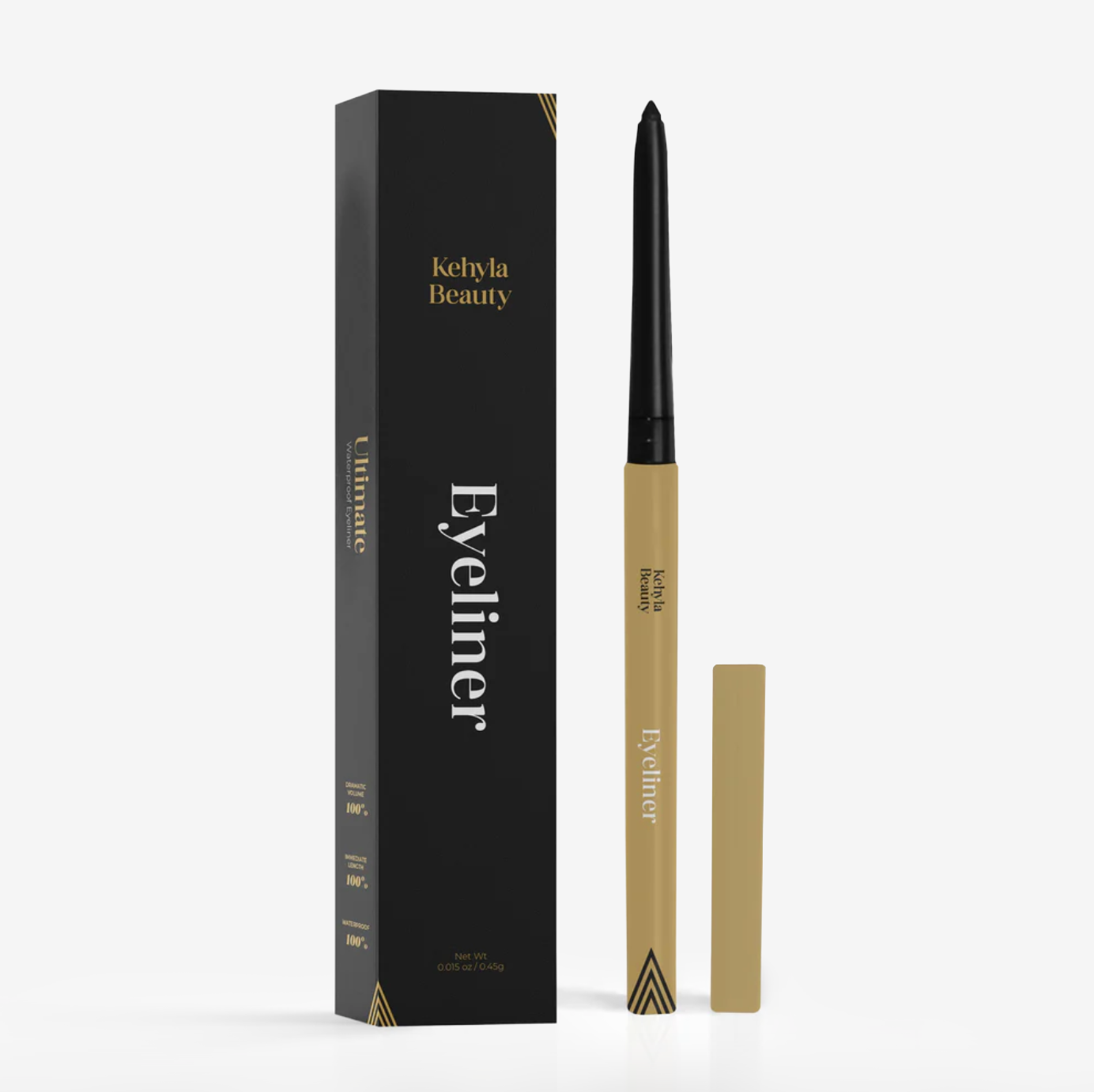
Añade 1 delineador de ojos extra y Consigue 1 GRATIS
Limited Time Offer!
Upgrade Your Cart & Save 15%
This Product Will Replace:
Color Changing Foundation

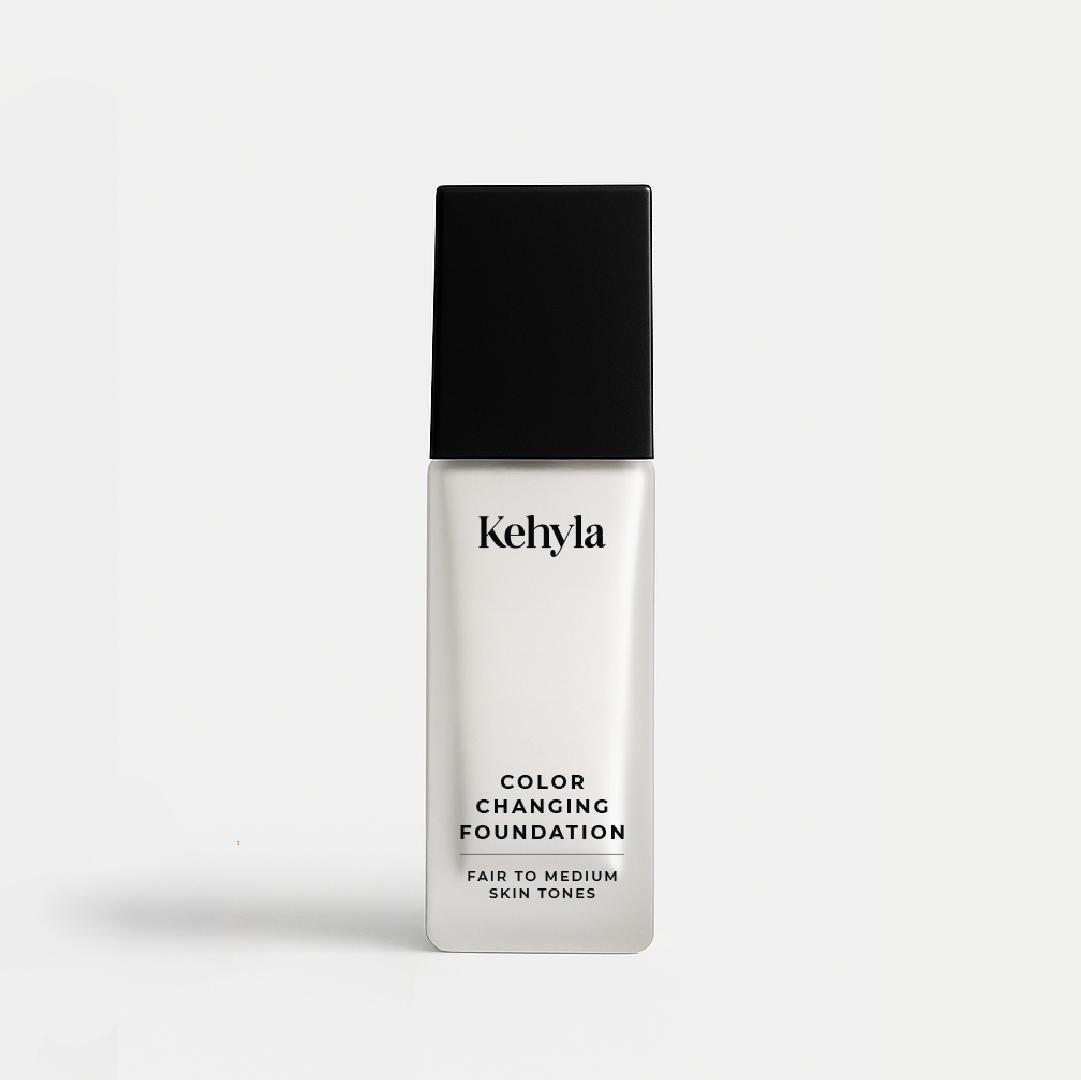
include our brush made for mature women and Save 15%!
One Time Offer!
Upgrade to 2pcs & Get 1 Free
This Product Will Replace:
Kehyla Beauty Miracle Lift Serum


add one more miracle serum and get 1 FREE
Last Chance!
Upgrade to 2pcs & Get 1 Free
This Product Will Replace:
Kehyla Beauty Lash Serum

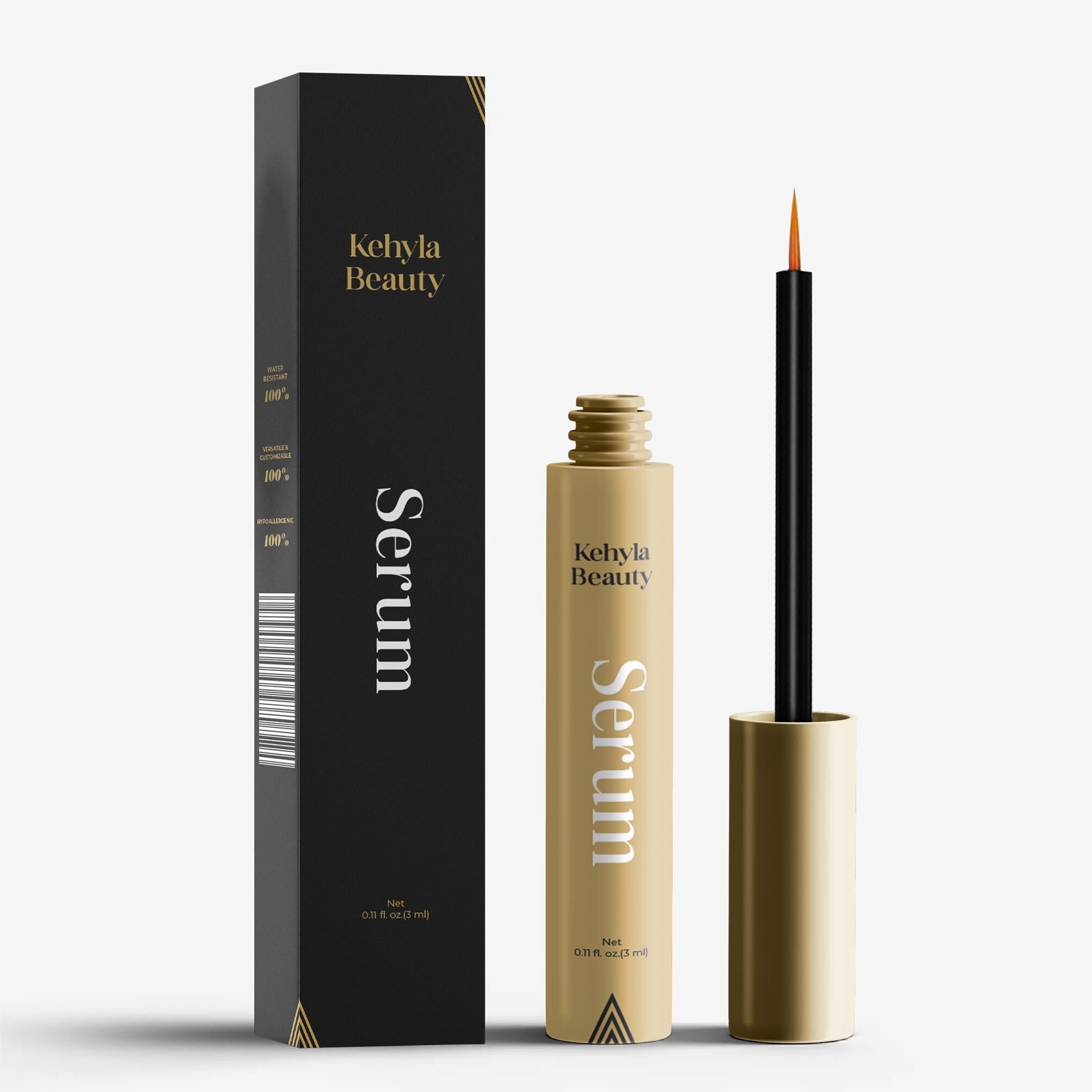
Add 1 more bottles & Get 1 Free
¿Tienes una cuenta?
Inicia sesión para finalizar tus compras con mayor rapidez.
Ofertas Especiales de Hoy
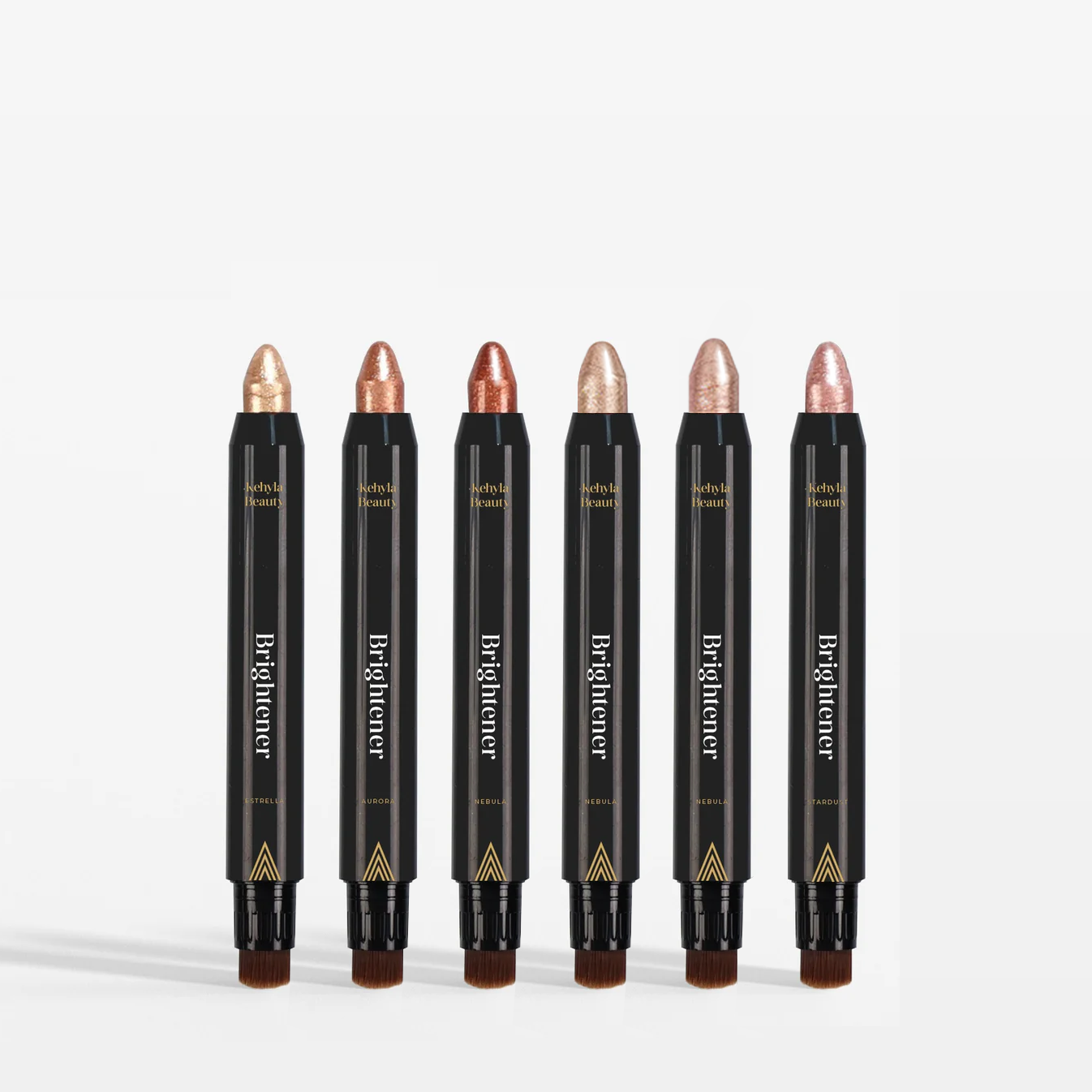
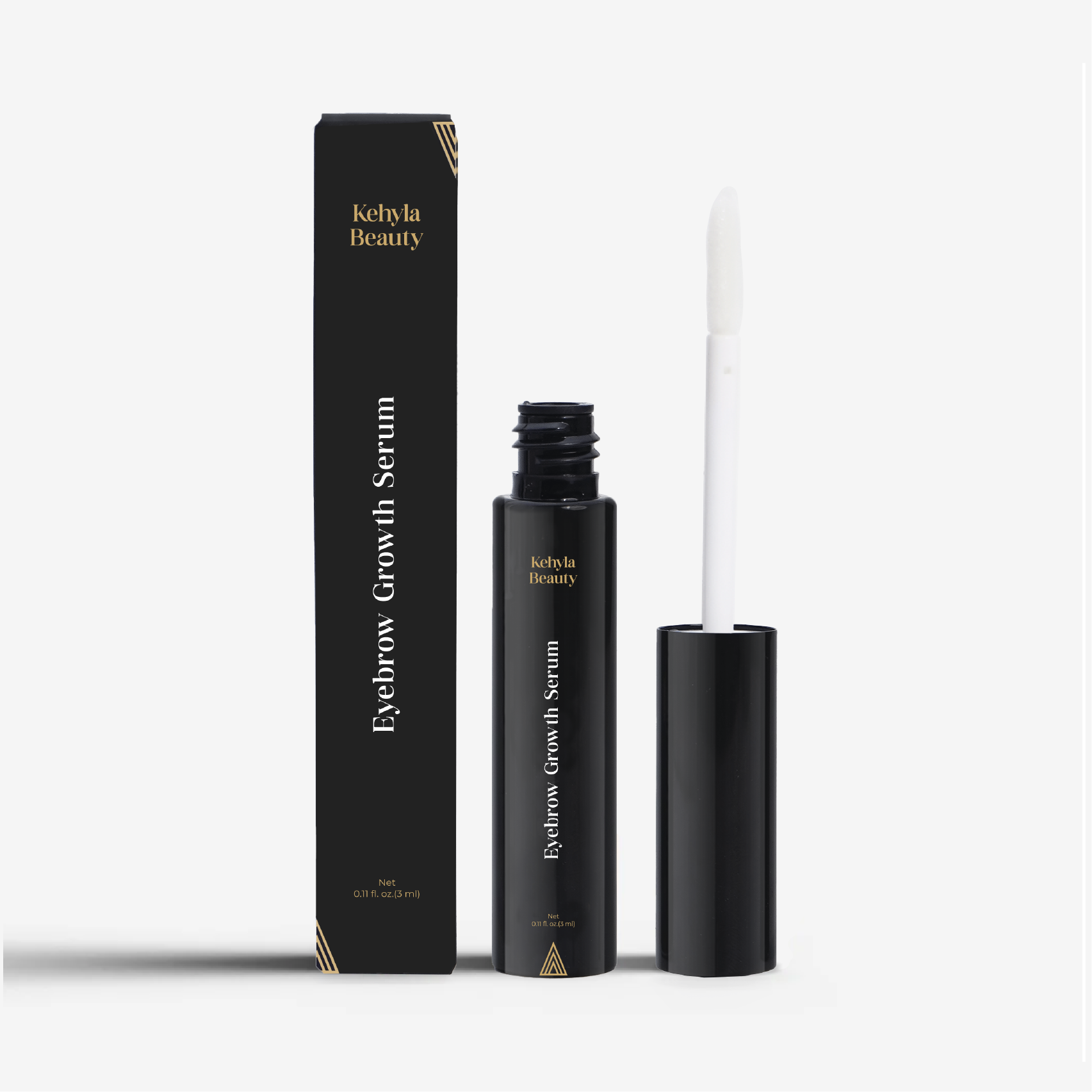
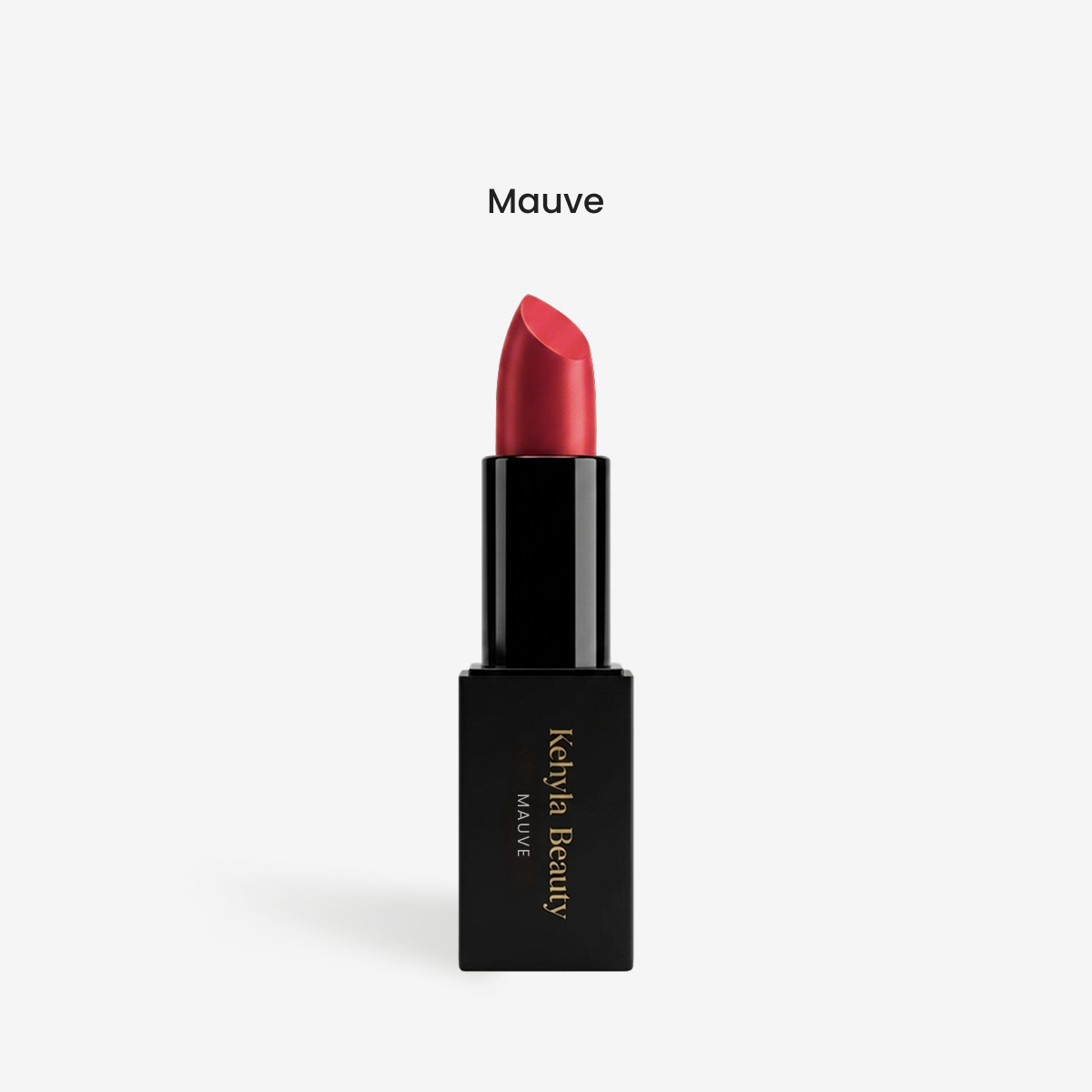
Protege tu pedido de posibles daños, pérdidas o robos durante el envío.
€0,00 EUR
Subscriber hub
Thank you for being a Kehyla subscriber. Your refills arrive automatically, and you can change them whenever you need: skip one, move the date, change how often they come or swap your product, all in a few taps from your account.

Life happens
Tell us what's going on and we'll show you the quickest way to adjust your refills.
Your easiest fix
Still stocked up? Skip your next refill and you won't be charged for it. If it keeps happening, choose a longer time between refills so they match how fast you use your products.
Your easiest fix
Away for a while? Change the date of your next refill so it arrives when you're back home. Your subscription stays active.
Your easiest fix
Choose a longer time between refills: you keep your subscriber savings and spend less each month.
Your easiest fix
Running out early? Move your next refill to an earlier date and it ships on the new date.
Your easiest fix
Update your address in the portal before your next refill date, so it goes to your new home.
Your easiest fix
Want to try something new? Swap the product in your subscription right from your account. Want a different color? Email us at info@kehyla-beauty.com and we'll update your next refill.
Your account, your rules
Manage your subscription yourself, anytime, in just a few taps.
Not ready for your next one? Skip it and you won't be charged.
Move your next refill to a later or earlier date.
Choose how often your refills arrive, so they match how fast you use them.
Moving? Change where your next refill ships.
Add a new card. Your next refill uses the card you add.
Want to try something new? Swap the product in your next refills.
No commitment. You can cancel your subscription from your account whenever you want.
How it works
Click Open my portal and enter the email you used for your order. We'll send you a 6-digit code to sign in, no password needed.
In your account menu, choose Subscriptions to see your refills and your next order date.
Choose what you'd like to change and follow the steps until you see a confirmation.
Questions about your refills, or want a different color? Write to us and our team will take care of it.
Click Open my portal, enter the email you used for your order and type the 6-digit code we send you. Then choose Subscriptions in your account menu: you'll see your refills and your next order date, and you can make changes in a few taps.
Check your spam folder and make sure you entered the same email you used for your order. Still nothing? Email us at info@kehyla-beauty.com and we'll help you.
Yes. In your account you can skip your next refill or change its date. Skipped refills are not charged.
Yes. In your account choose a different time between refills, so they match how fast you use your products.
You're charged on your next refill date, shown in your account. You can change that date or skip the refill before it's charged.
Sign in to your account and update your shipping address or payment method before your next refill date.
You can swap to another product yourself in your account. For a different color, email us at info@kehyla-beauty.com and our team will update your next refill.
There's no commitment: you can cancel anytime from your account. If something isn't right, write to us first, we're always happy to help.

No se pudo cargar la disponibilidad de retiro